Our website is: https://forum.futurepositiveasia.com/
User Guide
1. Phone APP
The platform is built based on Discourse. You can download Discourse APP on your phone and join forum.futurepositiveasia.com Group, then you will receive the message from your APP .
2. Edit your profile
Click your own icon on the top right, and click the last icon.
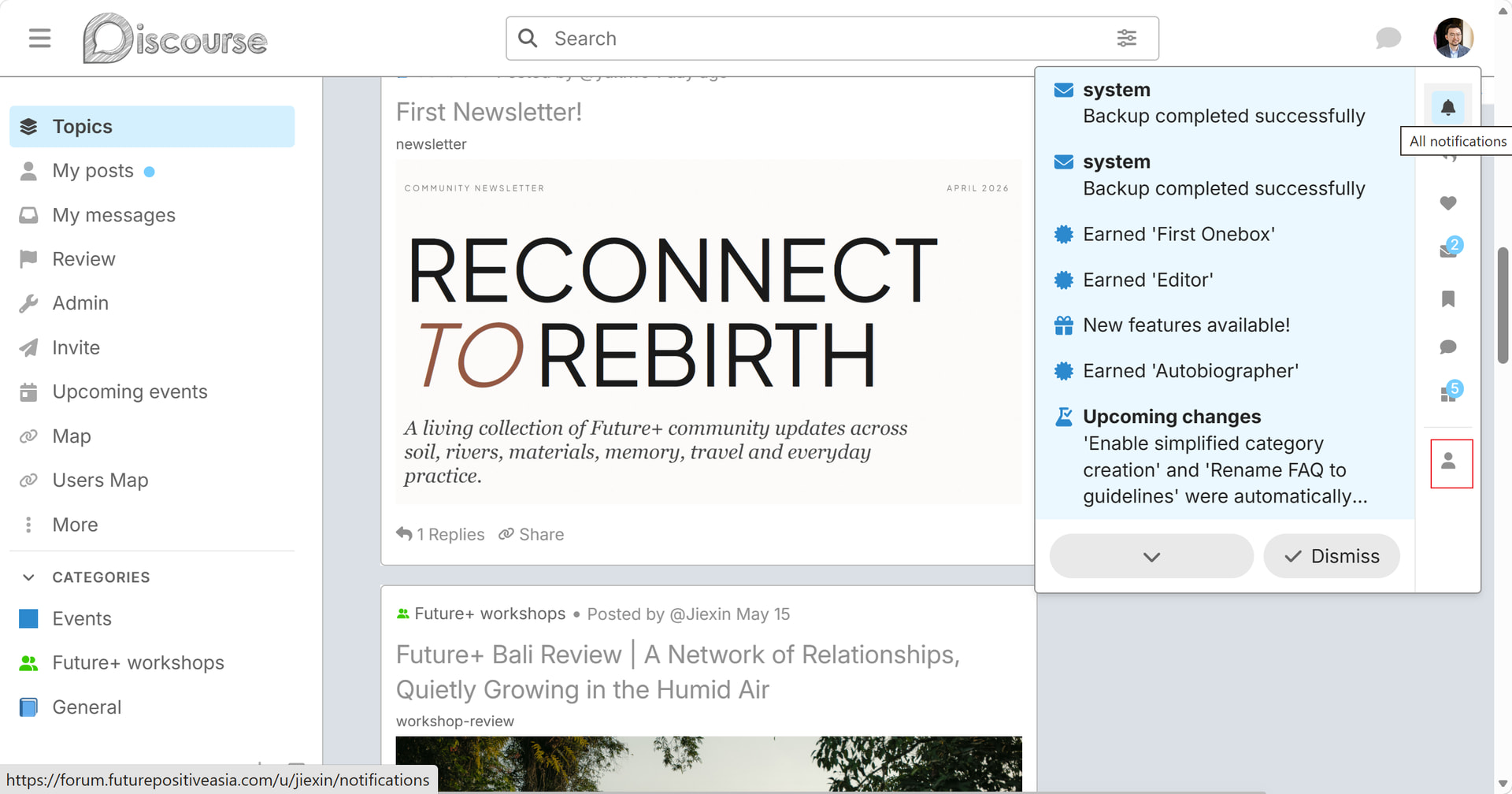
Select the Preferences
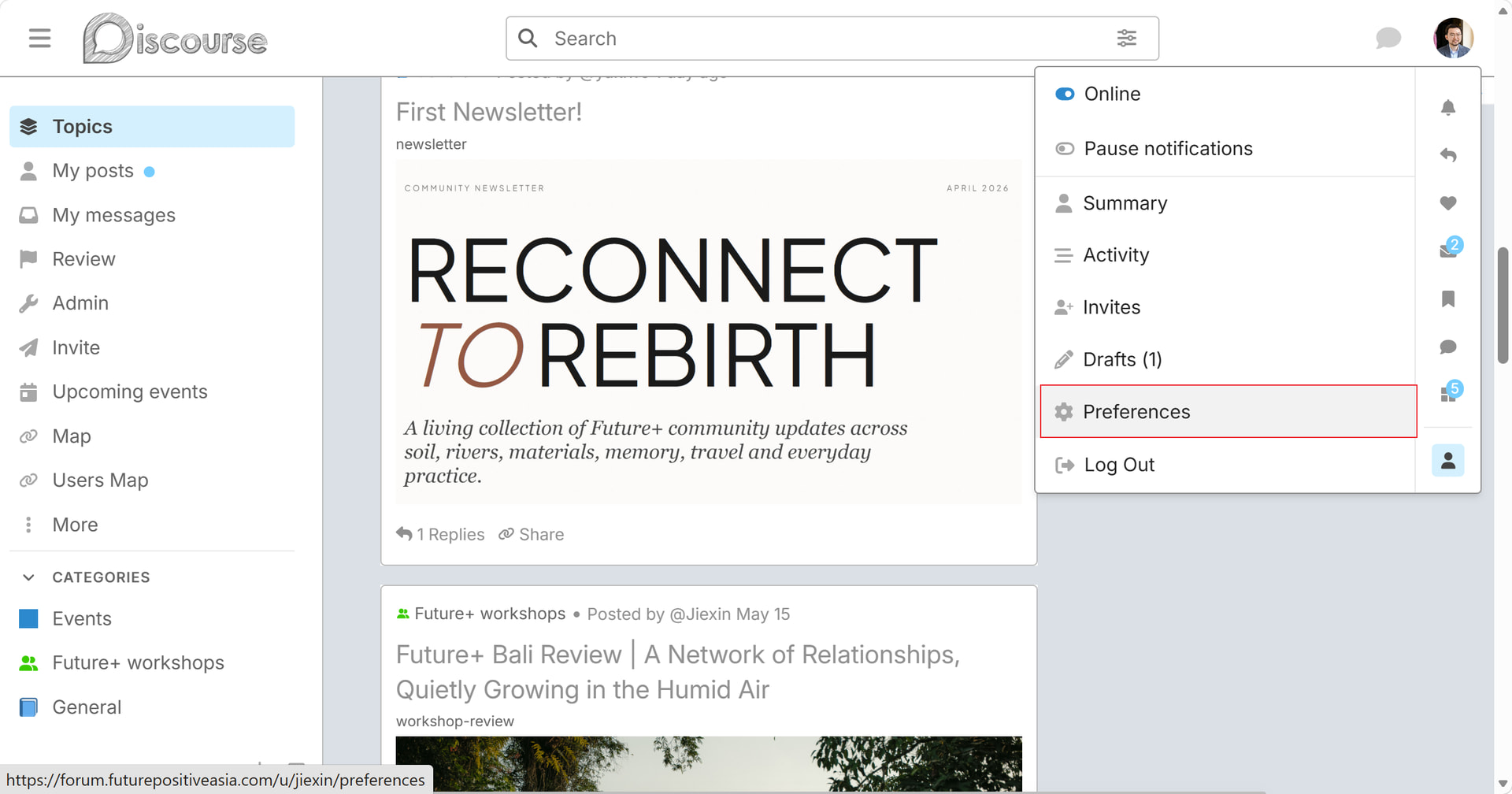
Click Account.
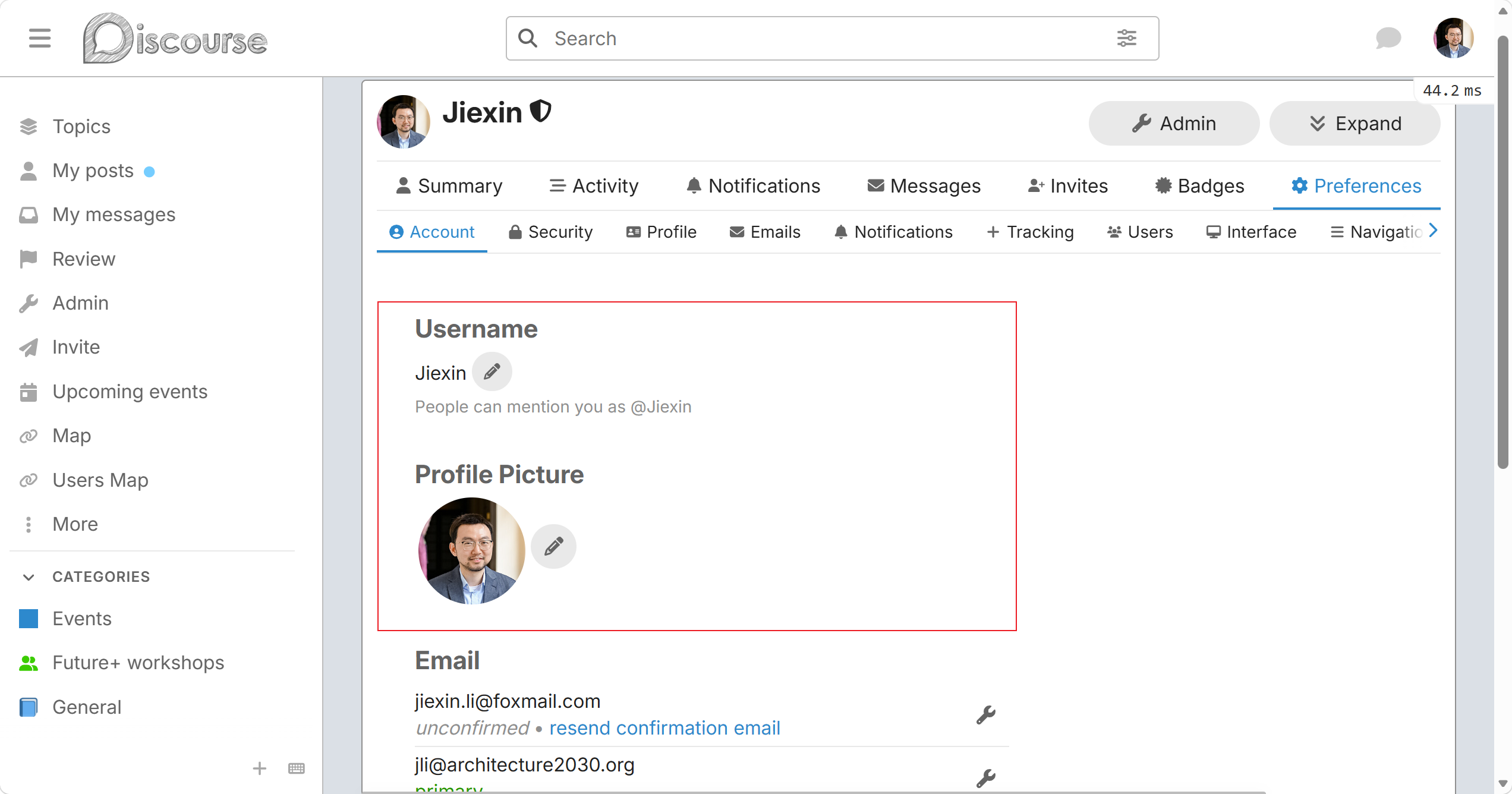
In the Profile section, you can upload your Profile picture, and fill in the information of About yourself, Location and Web site.
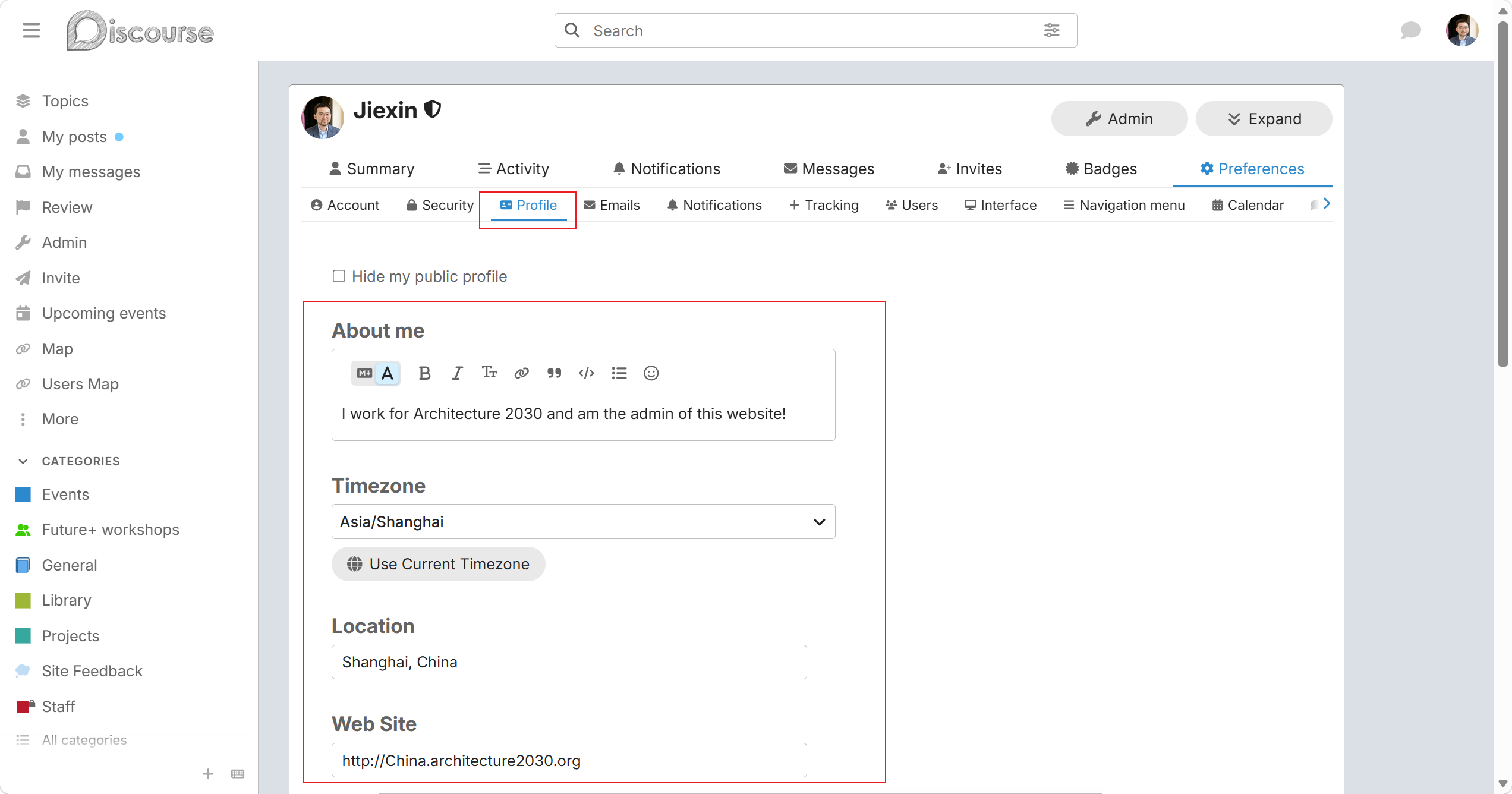
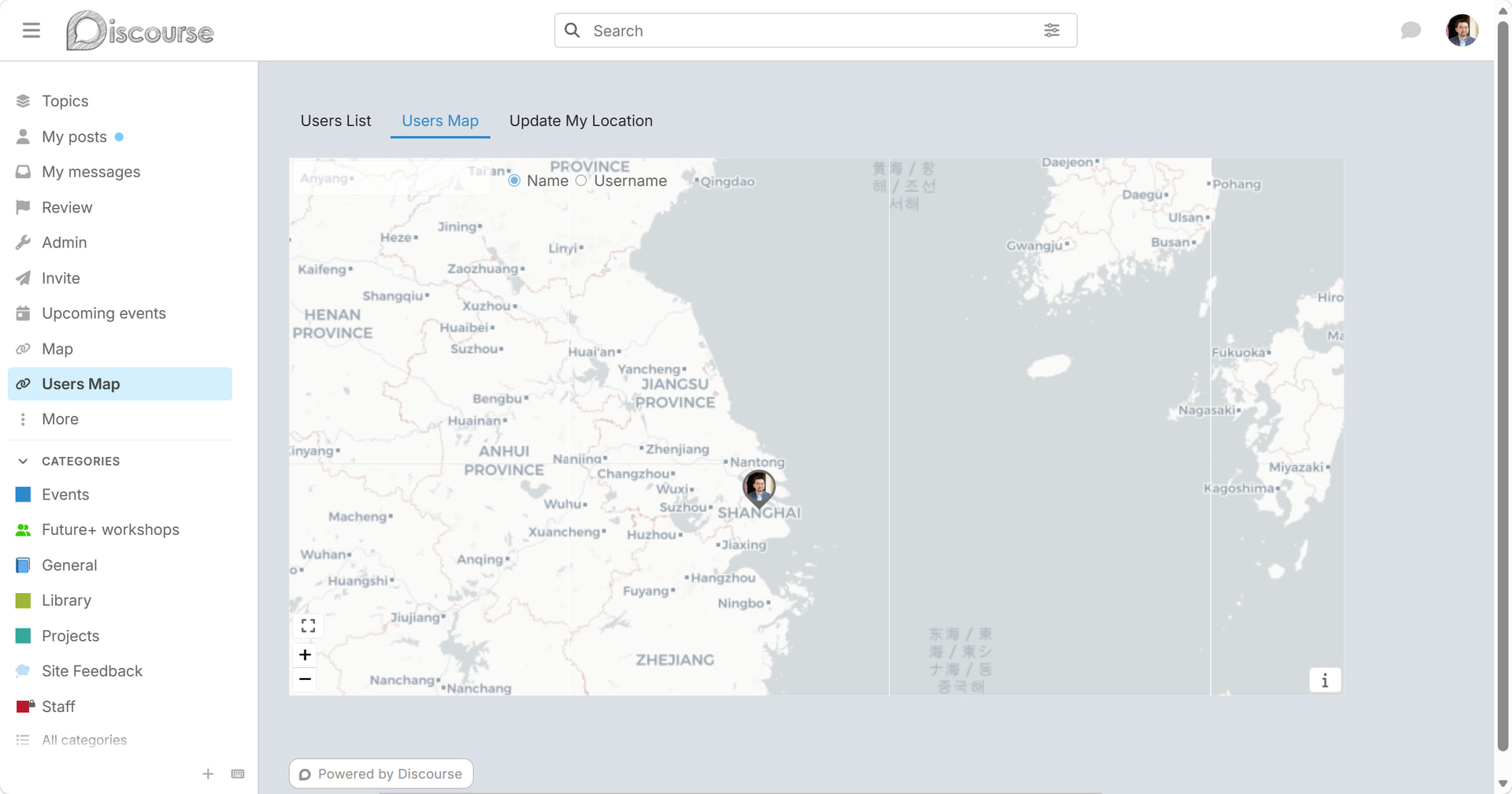
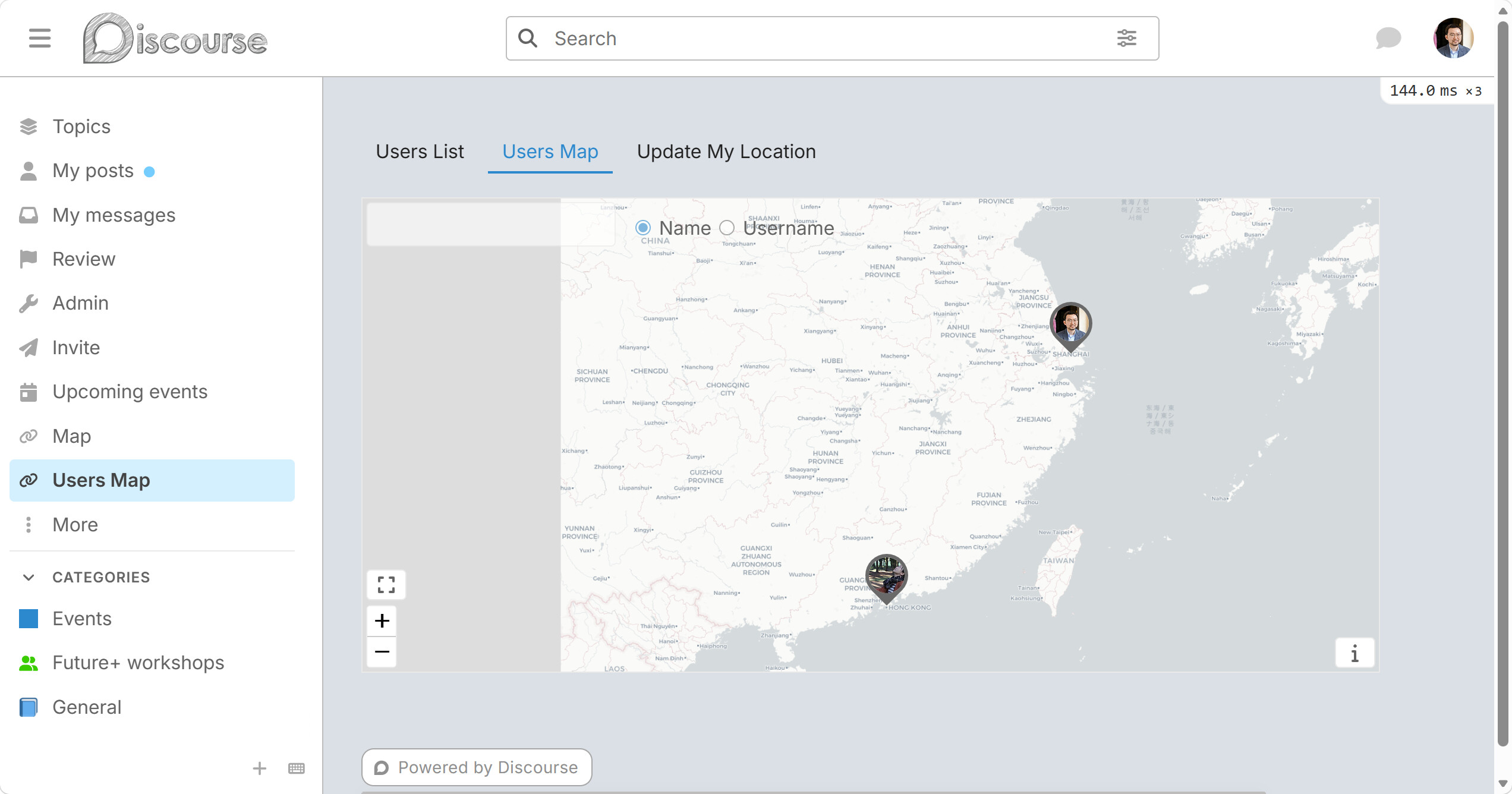
If you edit your location, in the user map of the sidebar, you can see your location on the map.
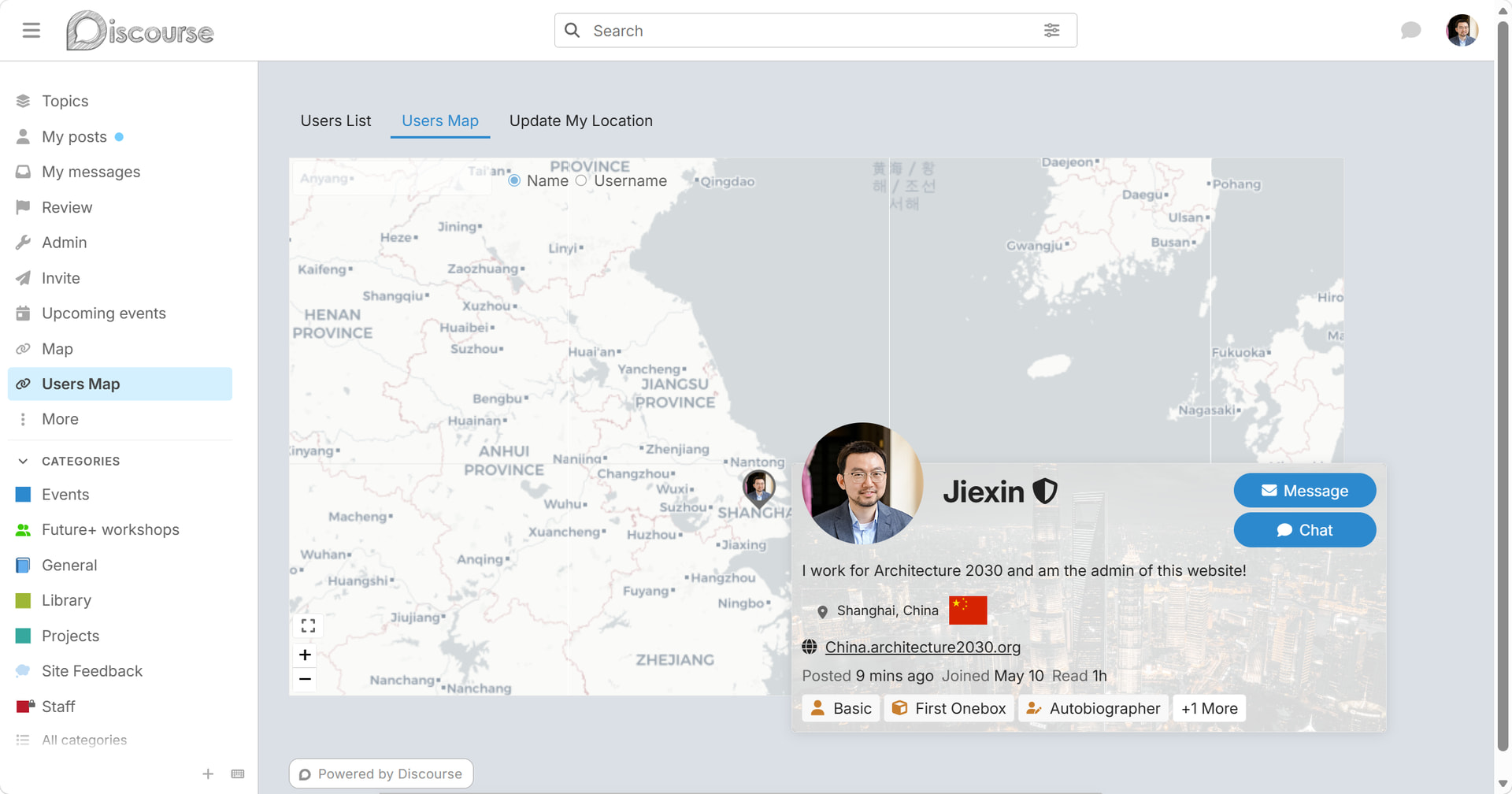
When you click the icon, you can see the user’s information.
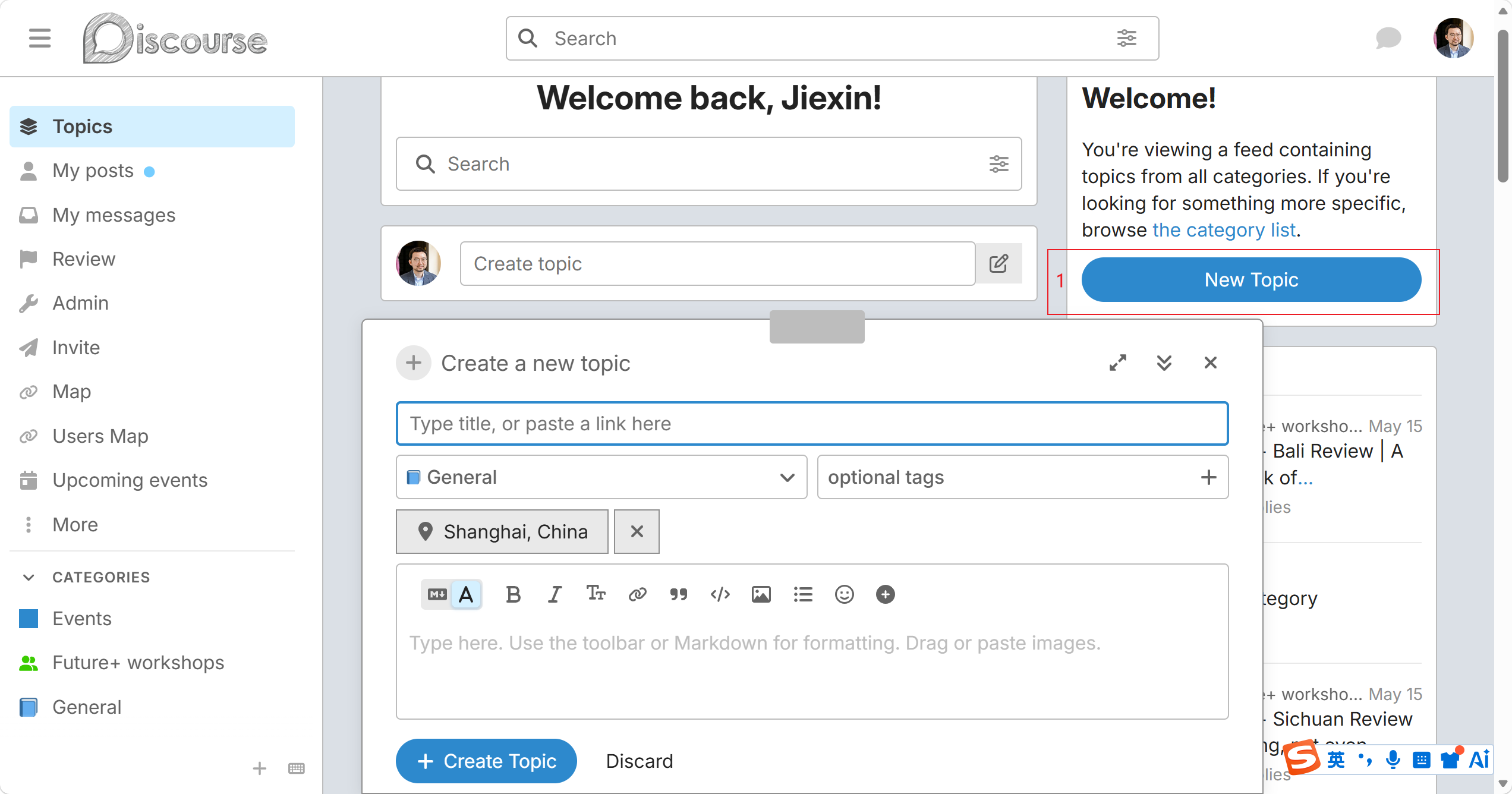
3. New Post
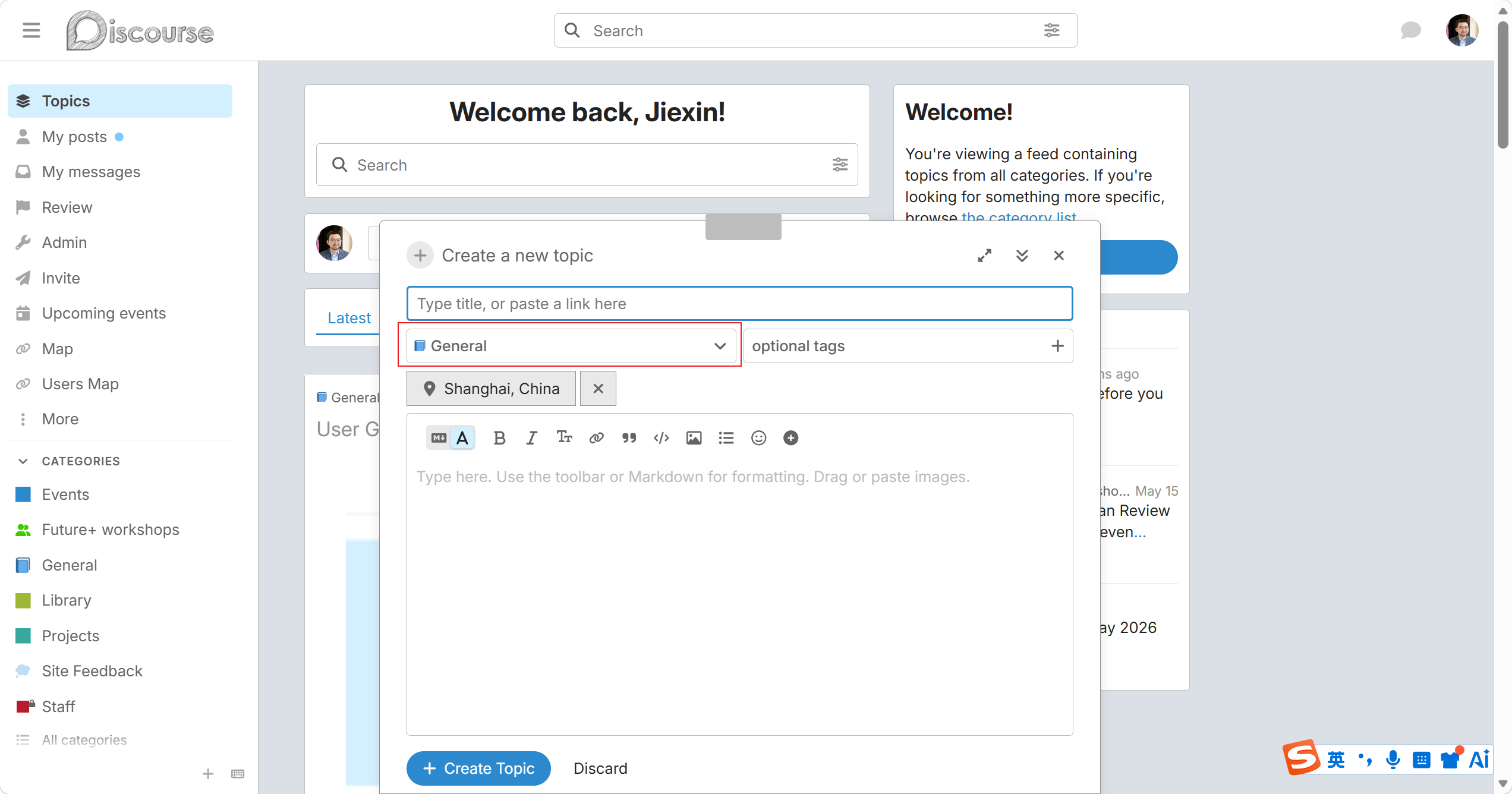
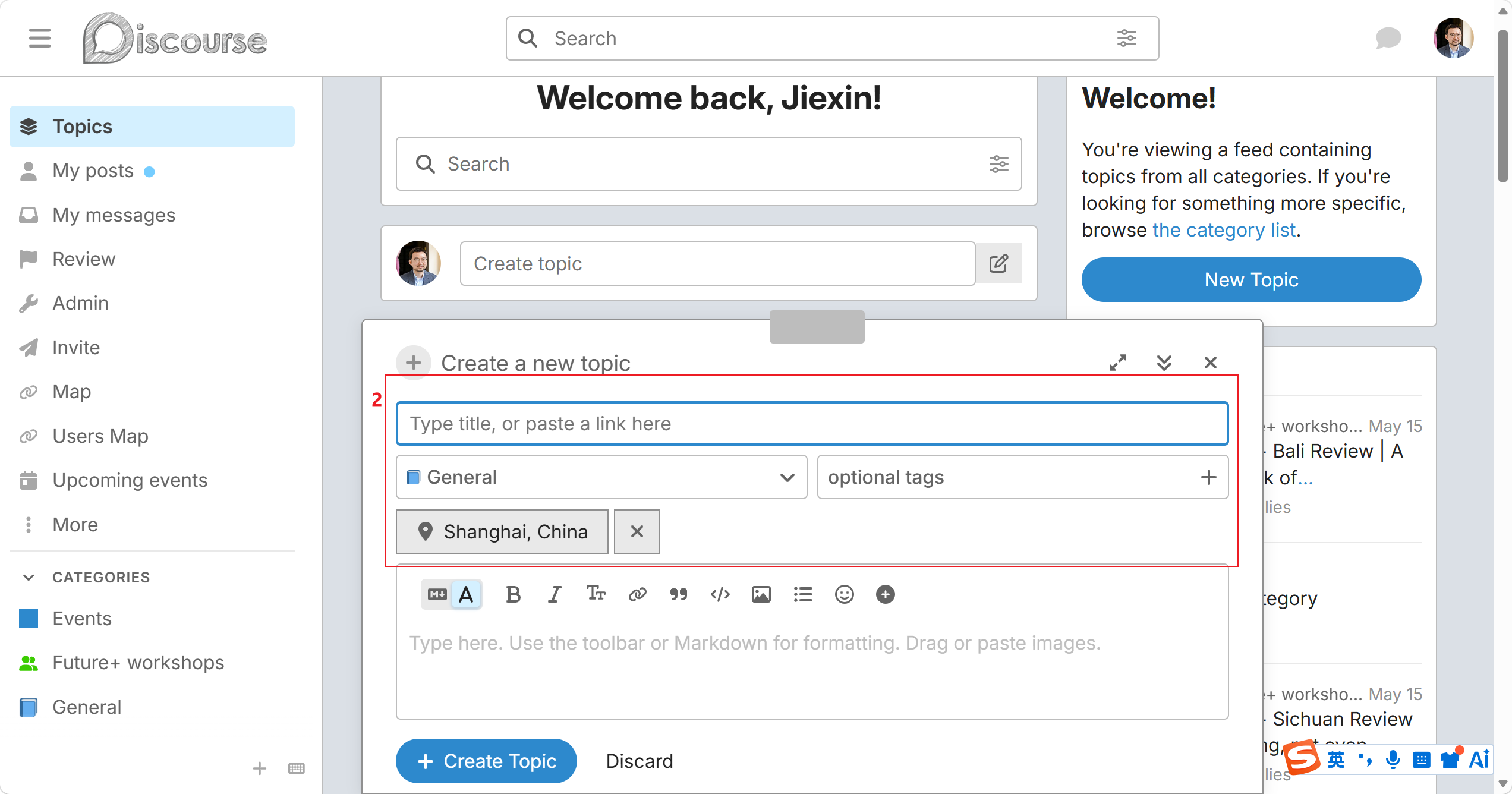
3.1 Please select category such as General, Library, Project or Event.
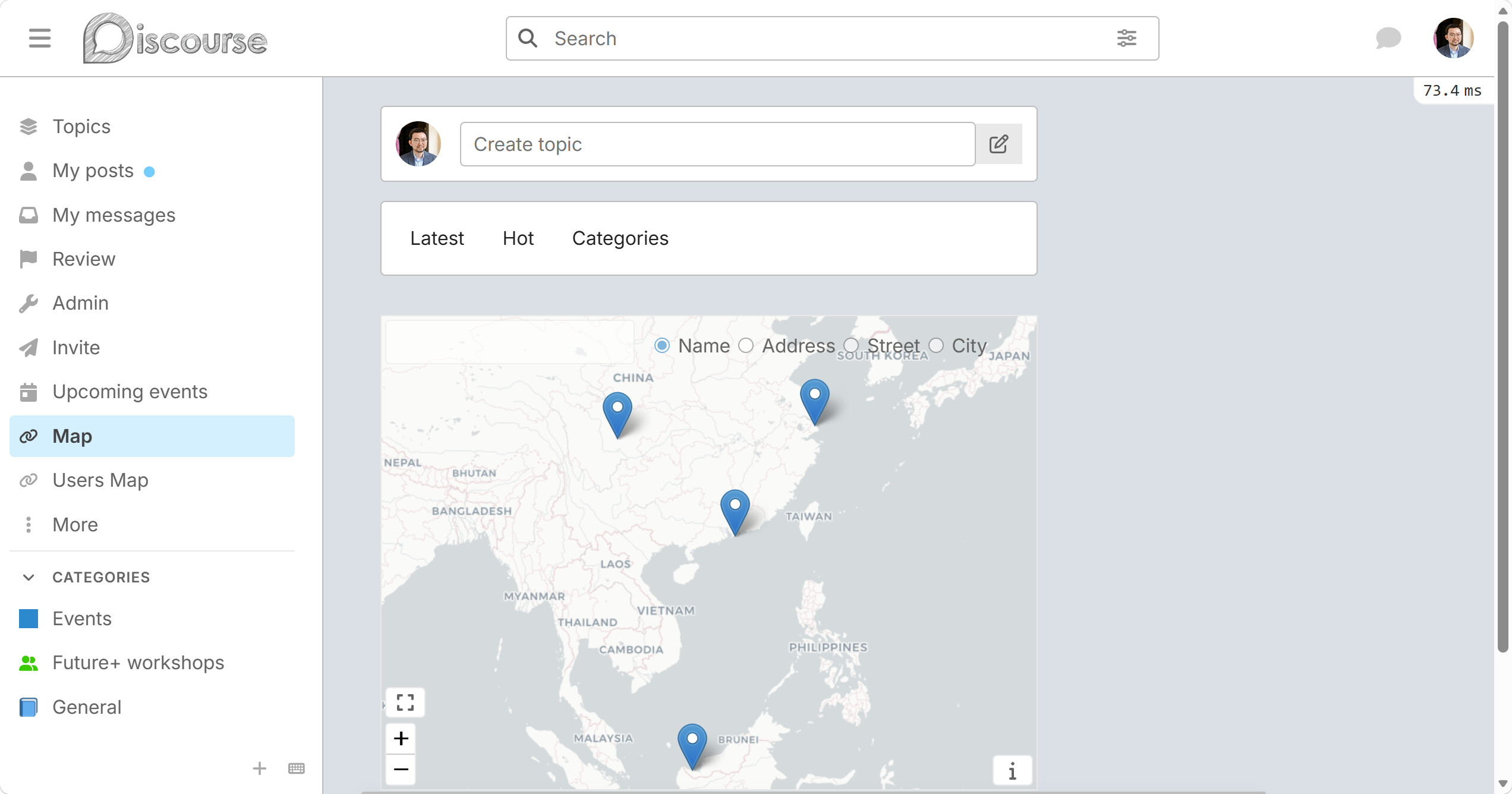
3.2 You can add location information on your post. Then it will appear in the map menu in the sidebar on the left.
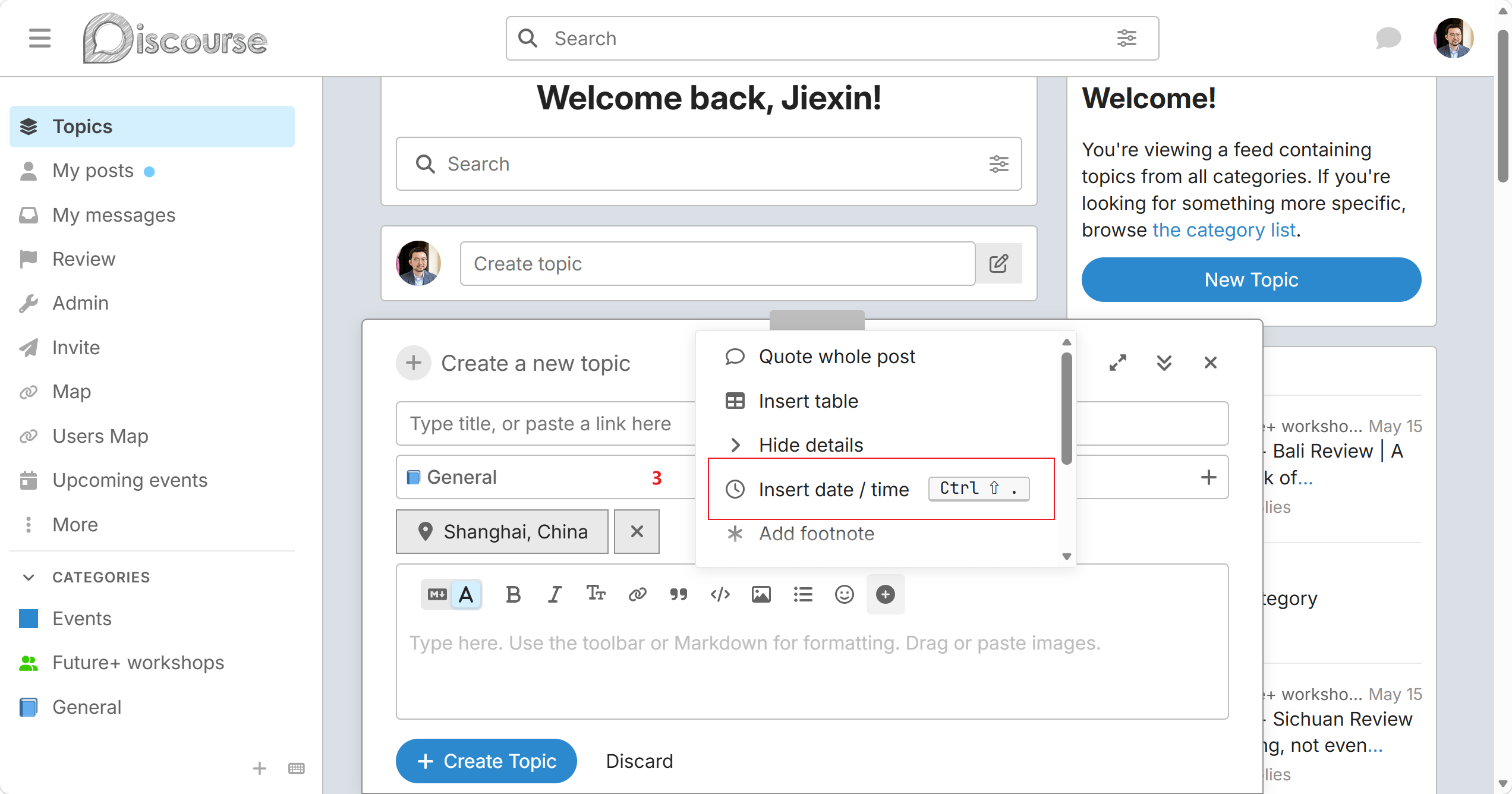
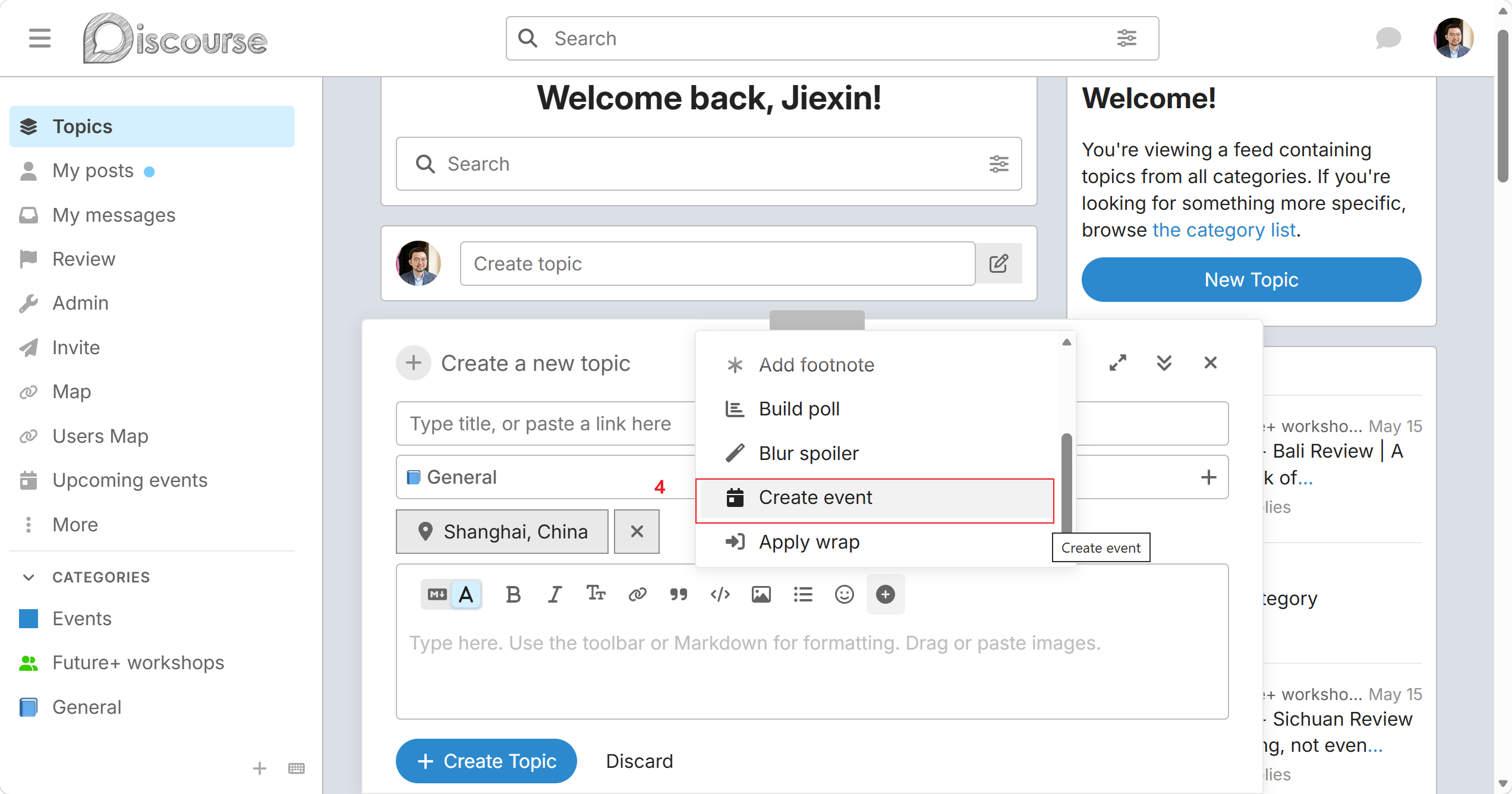
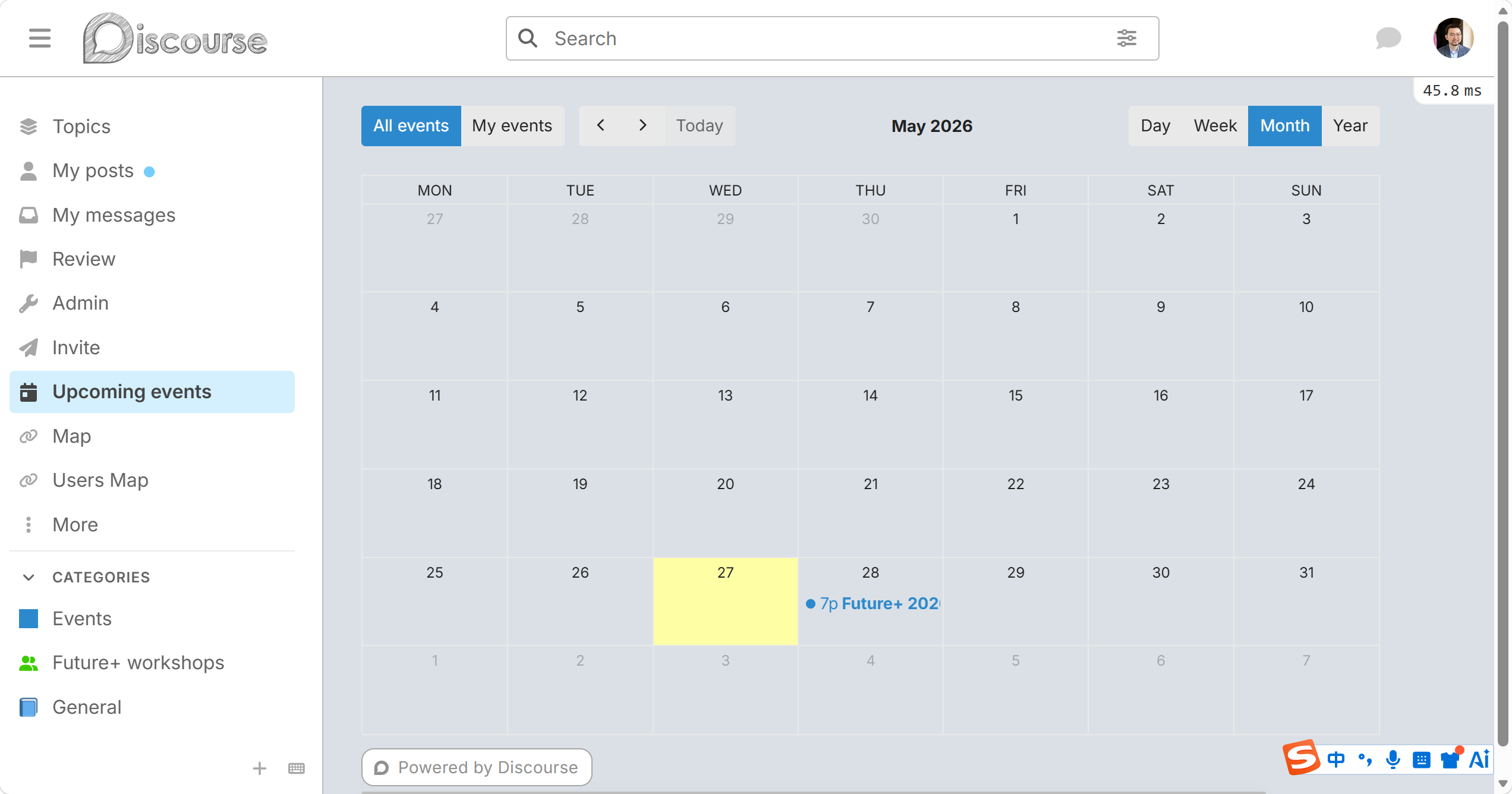
3.2 Add time or event in the post.
4. Sidebar on the left
Map
Users Map
Upcoming events
Please let me know if you have any questions. Thanks!